Maze Quest is a modular board game about planning routes with two dice. Choose four, six or eight mazes, arrange their positions and rotations, and guide your pawns between the central hub and colour-matched destinations.
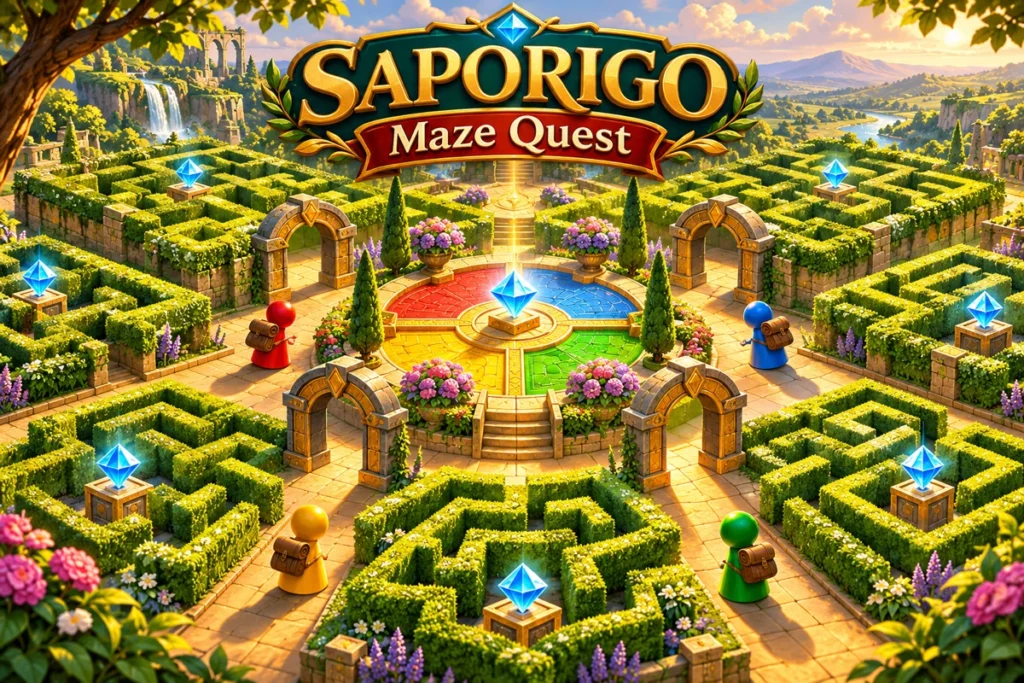
Open Maze Quest to play in your browser. This guide describes the current browser experience; consult the in-game Rules panel for the full rules and valid actions.
Choose the journey before rolling
Open Game setup and select solo play with bots or local pass-and-play. Pick the player count, maze count and quest. Hub → Mazes and Mazes → Hub are all-pawn races in opposite directions; Maximum Firsts uses round scoring. These choices affect the objective, so make them together before the first roll.
Make the layout your own
Expand Arrange your maze to preview the modules. Select a numbered maze, rotate it by 90 degrees, or swap its position with another module. Shuffle offers a fresh arrangement; Reset returns to the default. This editor rearranges the supported layout slots, and the connection check keeps gateways connected. Each player has one pawn per maze: four, six or eight.
Use two dice deliberately
After rolling, choose a pawn and an allocation. You may use the combined total on one pawn, or allocate one die each to two different pawns. Choose a highlighted destination or use its labelled destination button. Grey gateways require exact entry; safe blue diamonds and brown interception tiles have different roles. Read the in-game Rules panel before planning a capture.
Read the board from more than one angle
The tactical board helps compare routes. The 3D garden supports orbit, zoom and following a pawn. Names and original colour seats are selected during setup; a colour seat also determines goal matching. Your quest saves in this browser, so Resume saved quest is useful for returning on the same device.
Try the free game first
Normal solo and local play are free. Player-eye views use the optional shared VR Hub access, and device support varies. AR and a live remote room should not be assumed from the 3D label: use only features currently offered on the game page. Share the public page to invite someone to try it; sharing that URL alone does not synchronise a match.
Quick answers
How many pawns does Maze Quest use?
Each player uses one pawn per selected maze: four, six or eight pawns.
Can I arrange the mazes before starting?
Yes. Expand Arrange your maze to rotate modules, swap supported positions, shuffle or reset the layout.
How are the two dice used?
Use the combined total on one pawn, or use one die each on two different pawns. Legal destinations are highlighted.
Is normal browser play free?
Normal solo and local play are free. Optional immersive views and private online rooms can have separate access requirements shown in the relevant controls.
Does sharing the page create a live match?
No. A public page link opens the game. A synchronised remote match requires the game’s own room feature where available.
Are VR and AR the same feature?
No. Player-eye or handheld views use the optional VR Hub flow on supported devices. AR is a separate feature and is not being announced as available here.
Your next game night
Try Maze Quest, or compare the six SAPORIGO signature board games. For an immersive view, review the current VR Hub access before starting.